Download the best VPN for Manila in 2026
Get a fast and secure Manila VPN to protect your banking apps, remote work, and more
- Secure GCash and other services with advanced encryption
- Stay ahead in Mobile Legends with ExpressVPN Lightway
- Access your streaming and PhilHealth accounts safely abroad
30-day money-back guarantee*
*for first-time users

Why use a VPN in Manila?
From public Wi-Fi to cyber attacks, here’s why you need a VPN in Manila
Stay safe on Manila’s public Wi-Fi
Worried about using GCash or logging in to your BDO account on public Wi-Fi? Public hotspots in Manila like those at Greenbelt or Starbucks cafés can potentially leave your sensitive information exposed to malicious third parties.
A VPN with robust encryption and security features like a kill switch keep your data, transactions, and banking apps secure wherever you connect, even on the go.

Use your favorite accounts with enhanced privacy
From Hollywood blockbusters and K-dramas to live basketball games, watch all your favorites with your existing streaming subscriptions and enhanced digital privacy.
With modern protocols built for streaming, local servers in Manila and beyond, a reliable VPN lets you connect securely to stream the content you love whether you’re at home in BGC or traveling abroad.

Maintain optimal online privacy
Your online activity should be for your eyes alone. A VPN encrypts your connection and masks your IP address from outsiders, such as doxxers and data brokers, who may want to monitor your connection.
The result? You can shop on Shopee or Lazada, browse social media, stream content, or manage your finances knowing malicious third parties can’t track your data.
Access Manila banking or government sites safely
Whether you’re banking with BPI or accessing government portals like SSS, being abroad shouldn’t cut you off from what matters.
By connecting to ExpressVPN’s virtual servers for Manila, you’ll get a local IP address that keeps you safely connected to home wherever life takes you.
How to get a Manila VPN and connect in 3 easy steps
Browsing with a Manila IP address couldn’t be easier
-
![How to sign up for ExpressVPN]()
Step 1
Sign up with ExpressVPN
Choose a subscription tier and sign up worry-free with our 30-day money-back guarantee*.
-
![Download App@2x 4]()
Step 2
Download the ExpressVPN app for your device
Download the app for your device and login. ExpressVPN is available for Android, iOS, Windows, macOS, and more.
-
![Connect To Server Ph 1]()
Step 3
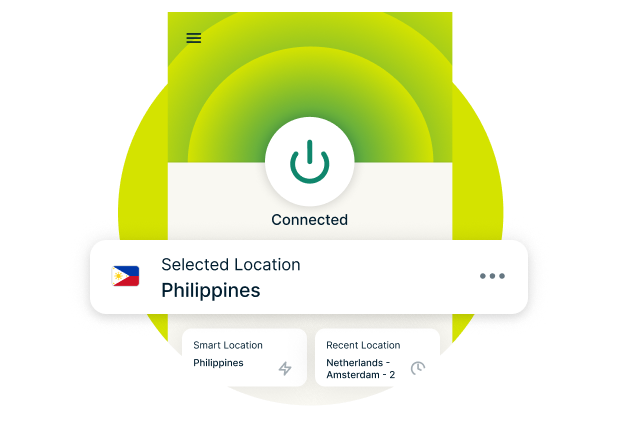
Connect to a Manila VPN server
Select the Manila VPN server location. Connect, and start browsing with a private IP address.

Watch: How to set up ExpressVPN and get a Manila IP address
Install ExpressVPN in minutes with our simple step-by-step video guide

Benefits of using ExpressVPN in Manila
Secure access, solid performance, and high-speed VPN servers for Manila

Avoid missing your favorite content
With 105 servers, including in the Philippines, ExpressVPN keeps you securely connected, so you don’t have to choose between your privacy and using the platforms you access every day. Whether you’re traveling around the country or taking a trip abroad, you’ll find a reliable VPN server nearby that can keep up with you.
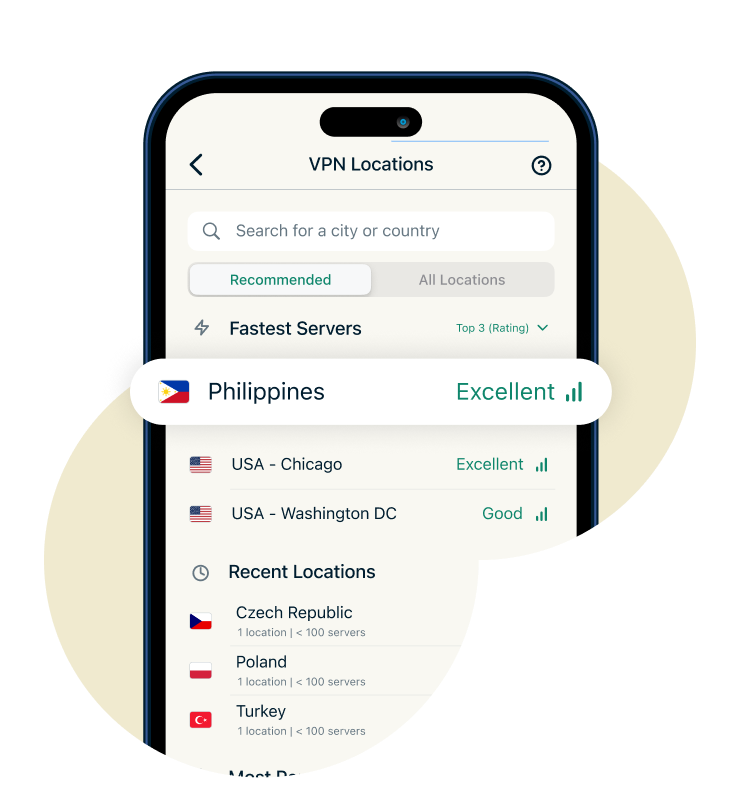
You can also select Smart Location on ExpressVPN’s apps to let the VPN choose the best server for you based on your location, server speeds, and network congestion.
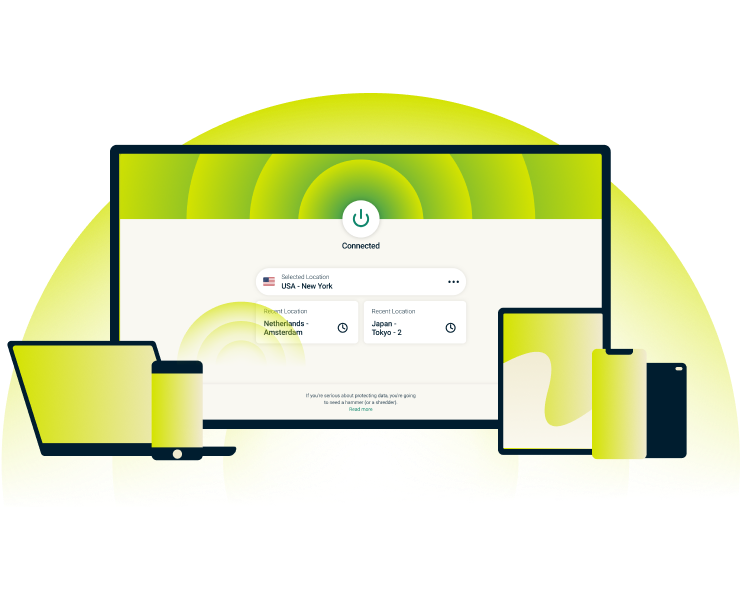
Secure every connection you make
Every device you use in Manila (laptops, smartphones, tablets) creates potential entry points for hackers, trackers, and malicious software via unsecured connections.
ExpressVPN secures all your connections with advanced 256-bit AES encryption, the same standard trusted by security experts worldwide. Threat Manager adds an extra layer of protection, blocking known trackers and malicious domains before they load on your devices.

Stream and game with lightning-fast VPN servers
Lightway is ExpressVPN’s custom VPN protocol, designed for a faster, more secure, and reliable online experience. Combined with unlimited bandwidth on our 40Gbps VPN servers for Manila, it delivers the performance you need for gaming and streaming.
Lightweight, optimized for mobile, and power-efficient, our apps connect quickly to support your online entertainment on the go, even when you’re switching networks.

Browse without being watched
It doesn’t make sense to use a VPN for enhanced online privacy if the VPN ends up collecting and using your personal data. That’s why many VPNs come with no-logs policies, but not a lot of them can back up their claims with verifiable proof.
ExpressVPN’s strict and independently audited no-logs policy means we never record your activity. Our TrustedServer technology runs on RAM-only servers, automatically wiping all data with every reboot.
24/7 Live support and refund policy
Customer support is always just a click away. Our 24/7 chat and email support is available to help with any issues or questions you may have.
Try ExpressVPN completely risk-free with our 30-day money-back guarantee for first-time users. Simply contact customer support for a full refund if you’re not satisfied.
Can I use a free VPN to get a Manila IP address?
Compare performance, safety, and server access with free VPNs for Manila
-
![Get A Private Ip Address Ph@2x 1]()
Free VPNs vs. premium VPNs: What to know
Free VPNs can give you a temporary Manila IP address, but they often limit your bandwidth and server choices. ExpressVPN invests in high-capacity servers, advanced protocols, and consistent access, giving enhanced support for streaming, gaming, and browsing across all networks.
-
![Audited Protection@2x 8]()
Why free VPNs may not be safe in the Philippines
Many free VPNs cover costs by showing ads or collecting user data, which can put your privacy at risk. ExpressVPN prioritizes security with a strict no-logs policy, advanced encryption, and independently audited technology. It’s designed to give you peace of mind when accessing Manila’s banking services or other sensitive platforms.

Download ExpressVPN: A compatible Manila VPN for every device
Leading VPN protection for up to 14 devices simultaneously on 1 subscription
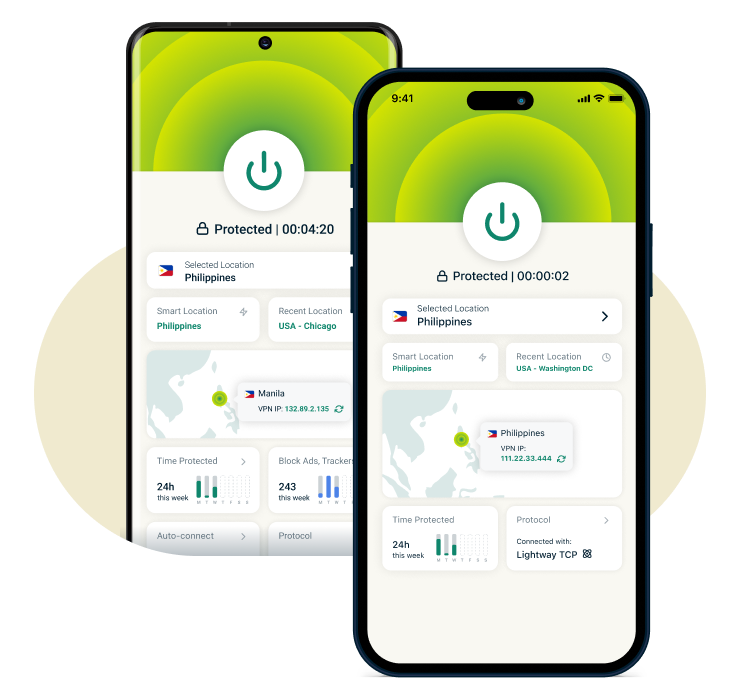
VPN for Android and iOS
ExpressVPN’s Android and iOS apps make staying secure in Manila hassle-free. Browse on the go with apps that are quick to configure and easy to use.
The auto-connect feature makes sure you’re instantly protected on untrusted networks, keeping your traffic safe and private. Plus, Lightway provides fast, stable connections without draining your battery, even when switching between Wi-Fi and mobile networks.
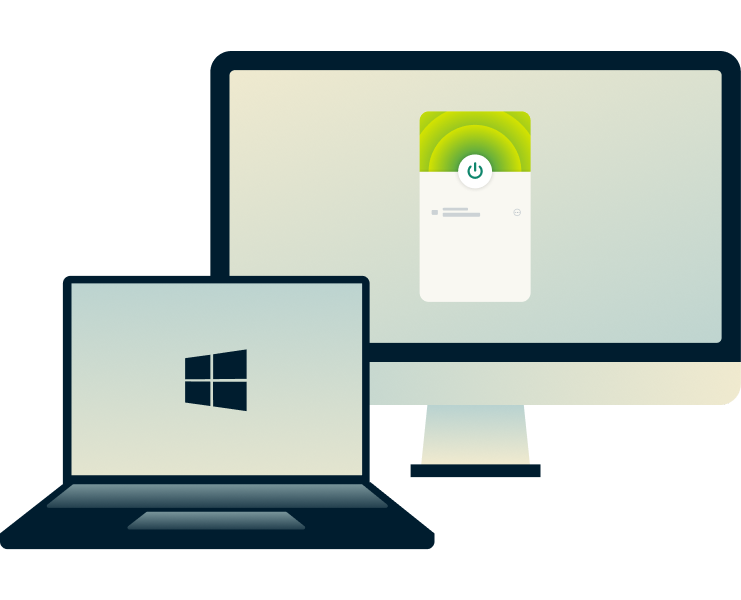
VPN for Windows and Mac
Protect your computer’s traffic with ExpressVPN’s desktop apps for Windows and Mac. Whether you're browsing Inquirer.net or accessing the UPOU Student Portal, our apps deliver fast setup and strong encryption on reliable connections.
Windows users can also take advantage of Lightway Turbo for extra speed, and split tunneling to choose which apps connect through the VPN.
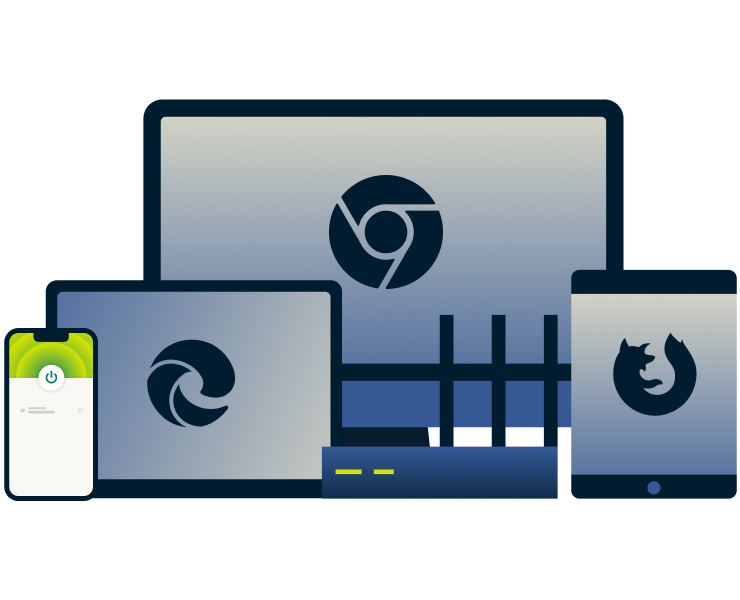
VPN browser extensions for Chrome, Firefox, and Edge
Connect to a VPN server for Manila and protect your privacy without leaving your browser. Our VPN extensions act as a remote control for the full app, encrypting your whole internet connection while you browse safely.
Switch servers, change locations, and use features like WebRTC blocking to avoid potential data leaks outside your secure connection.

VPN for smart TVs
Cover your entire home in Manila, including consoles, with a single VPN. ExpressVPN has apps available for Apple TVs, Android TVs, and Fire TVs, making it easy to protect your streaming devices without additional setup.
Popular VPN server locations for users in Manila
Browse with a private IP address




What people are saying about ExpressVPN
Discover why our satisfied customers trust ExpressVPN
I have ExpressVPN on all my devices - phone, laptop, tablet, AppleTV, etc., and absolutely love it.


* A sample of reviews from our most satisfied customers
Got an account with @expressvpn yesterday. Great decision for traveling out of the country!
@D_Geiger

* A sample of reviews from our most satisfied customers
With its consistent performance and reliable security, ExpressVPN is the best VPN out there.

* We sometimes pay expert sites for customer referrals
FAQs: Manila VPN
Answers to your most common questions about VPNs for Manila
How much does a Manila VPN cost?
Yes, VPNs are legal in Manila and throughout the Philippines. People commonly use them to protect their online privacy and secure their data. However, users must still follow local laws when browsing or streaming, as a VPN enhances your digital security but does not provide immunity from illegal online activity.
Are VPNs legal in Manila?
Yes, using a VPN in Manila is legal and many people use VPNs to protect their connections at home and abroad. While using a VPN isn’t against the law, it’s still important to comply with local laws while browsing online, even if you’re using a VPN to protect your online privacy.
Should I use a VPN if I live in Manila?
Using a VPN in Manila is a smart way to protect your online privacy and secure your connection. It safeguards your connection while you’re checking emails, banking, streaming, and gaming. Even if networks seem safe, a VPN ensures your data stays encrypted, which is extra important on public or shared Wi‑Fi.
What is the best VPN for Manila?
ExpressVPN is the top VPN choice for users in Manila, offering ultra-fast 10Gbps and 40Gbps servers in over 105 countries and a strict no-logs policy verified by independent audits. With unlimited bandwidth, 256-bit AES encryption, and a 30-day money-back guarantee for first-time users, it’s designed for secure browsing and fast, reliable connections on all devices.
Will a VPN slow down my internet in Manila?
Using a VPN can slightly impact internet speed since traffic is encrypted and routed through a secure server, and performance depends on your ISP and bandwidth. With ExpressVPN’s optimized 40Gbps servers and Lightway protocol, Manila users should experience minimal slowdown, enabling fast, consistent browsing, streaming, and gaming.
ExpressVPN for all countries
ExpressVPN users can connect to server locations in 105 countries
 Support Center
  Live Chat
  FAQ
FAQ 


