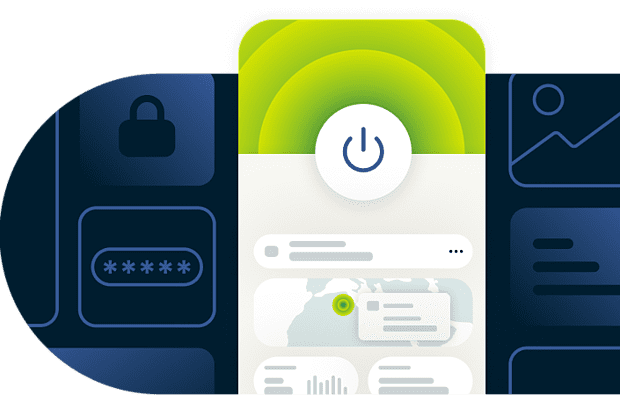
VPN for mobile gaming: Speed, security, and setup made easy
Protect your gameplay with high-speed, reliable VPN connections and simple app setup on your phone
- Maintain fast gaming with 40Gbps servers and the Lightway protocol
- Avoid content-based throttling on mobile networks and public Wi-Fi
- Connect to VPN servers across 113 countries for a local IP address
30-day money-back guarantee for new subscribers
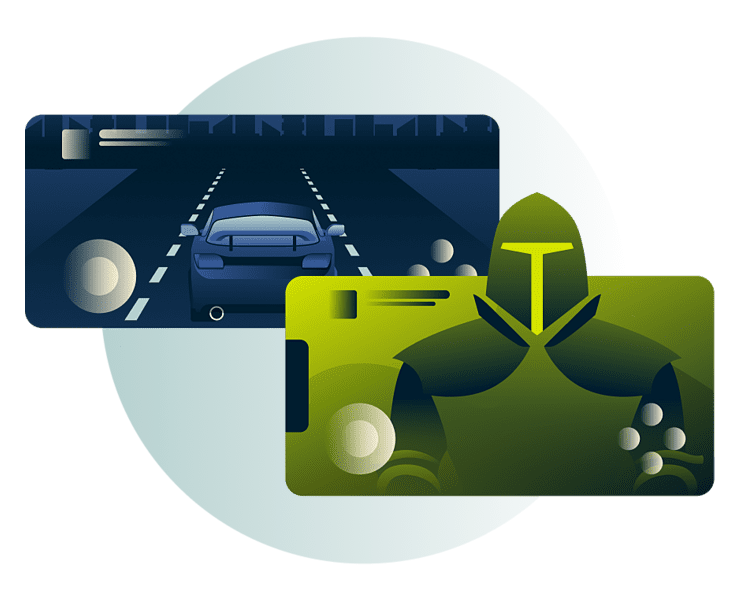
ExpressVPN for mobile devices
Play confidently with a powerful VPN tailored to mobile gaming
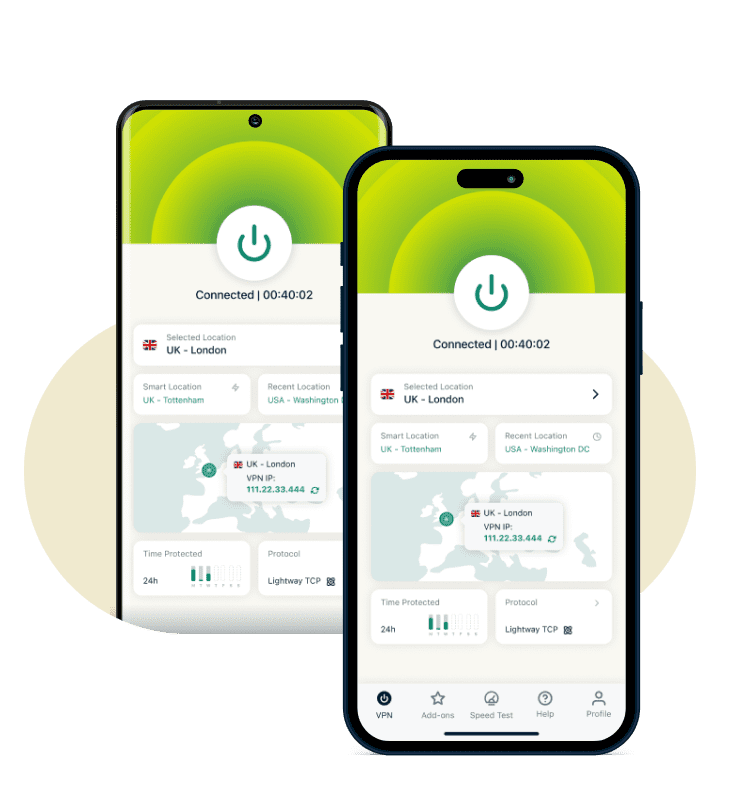
Compatible with iOS and Android phones
Fast setup helps you get into your next PUBG Mobile match without delays. ExpressVPN installs quickly on both iOS and Android, with native app downloads from the App Store or Google Play.
Our Lightway protocol is optimized for mobile devices, with minimal battery drain and an efficient design that supports fast-paced genres like battle arena and real-time strategy games.
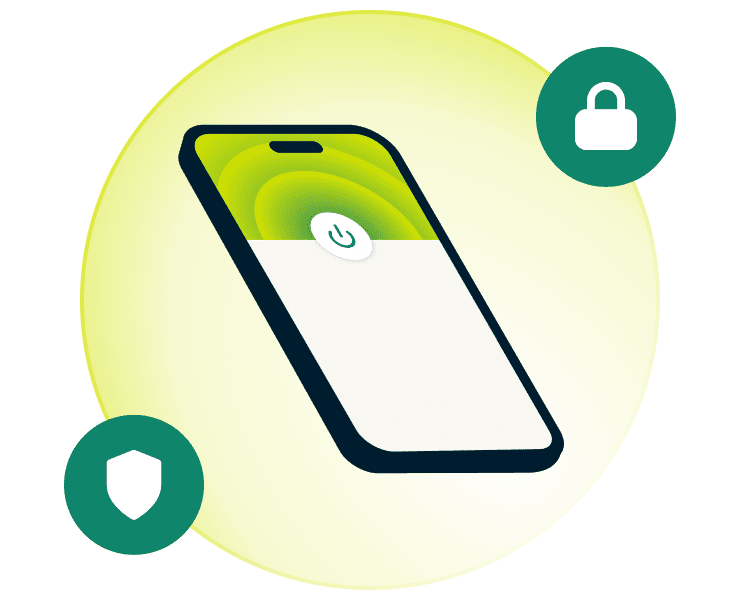
One-tap connection with a clean, simple interface
Jump straight into competitive shooters on Android or casual puzzle sessions on iOS. One tap connects you to your preferred VPN server closest to the game’s server location.
You can optimize your gaming experience by favoriting low-latency servers for quick access and setting up Shortcuts to launch games directly from the VPN interface.

Secure gaming on all your devices
ExpressVPN covers your entire gaming setup. Connect up to 14 devices at once, from your mobile phone and tablet to your gaming console and laptop.
You can switch between devices easily while maintaining protection across all networks. The Internet Kill Switch blocks all traffic if your connection drops unexpectedly, protecting your data and IP location from leaking until the VPN automatically reconnects first.

A 30-day money-back guarantee and 24/7 support
Get quick answers during setup or while optimizing your connection for fast-paced mobile games. ExpressVPN’s support team is available around the clock through live chat or email, so you get real help when you need it.
New subscribers get a 30-day money-back guarantee*, giving you time to try ExpressVPN’s buffed features and see how the mobile gaming VPN fits your routine.
*30-day money-back guarantee for first-time customers only. Contact support to request a refund. Not available for iOS or Android in-app purchases.
How to set up ExpressVPN on your phone for gaming
Prepare your device for fast, consistent gameplay with straightforward setup
-
![Smart Tv Download@2x 3]()
Step 1
Install the ExpressVPN app
After sign up, visit the VPN download page and install the app for your mobile OS.
-
![Add A Dedicated Ip 1]()
Step 2
Sign in and select a server location for best performance
Choose a server location. Closer servers are often best for fast speeds.
-
![Get A Private Ip Address@2x 9]()
Step 3
Tap to connect
Tap the On button to route your traffic through the VPN. Launch your favorite game.



Why use a VPN for mobile games
Enhanced mobile privacy and security for online gaming

Stabilize connections during gameplay
A fast VPN supports high-speed mobile gaming with intelligent routing. This can offer you more predictable performance during intense matches, especially when you’re dealing with ISP content-based throttling or congested ISP routes.
VPNs encrypt your traffic, which helps you avoid content-based throttling from mobile carriers. This keeps your speeds more consistent throughout gaming sessions.
Maintain privacy on mobile networks and public Wi-Fi
Hotel Wi-Fi, airport lounges, and shared campus networks can expose your gaming activity to cybercriminals and snoops. A VPN encryption turns your data unreadable to anyone monitoring the network.
Strong encryption protects your traffic from interception, while a verified no-logs policy ensures even your VPN provider doesn't track your online activity.

Access dependable game servers
Mobile gaming can be more consistent when you connect to servers based on your location and connection quality. A VPN with global server coverage gives you flexible routing options.
A widely distributed VPN network provides reliable routing for everything from fast-paced battle arena games to real-time strategy sessions. This helps you find less congested servers and optimize your connection for steady matchmaking.
Free VPNs vs ExpressVPN for mobile gaming
Explore what reliable VPNs deliver that free services cannot match
-
![High Speed Servers@2x 3]()
Speed and connection reliability
Free VPN:
Frequent slowdowns and unstable routing interrupt fast-paced mobile games, especially during high-action matches.
ExpressVPN: High-performance servers and the Lightway protocol support fast, consistent connections for competitive mobile gaming across devices.
-
![No Logs Policy Blue@2x 2]()
Strong data protection and no activity logging
Free VPN:
Vague privacy policies and third-party data sharing can expose your activity. P2P network models can also compromise your privacy.
ExpressVPN: With verified privacy standards and RAM-only servers, your gaming activity isn't tracked, logged, or stored. Your data stays private, even from ExpressVPN.
-
![Multiple Devices@2x 13]()
Flexible setup for various devices
Free VPN:
Limited device support makes it impossible to protect both your mobile gaming setup and your home devices.
ExpressVPN: Connect up to 14 devices simultaneously with one subscription.


The best VPN for mobile gaming: Advanced features
Enhance your gaming setup with tools that expand mobile VPN versatility
-
![Keys Password Manager@2x 8]()
Stronger protection on public and mobile networks
Get stronger protection for your data while enjoying your favorite games on your phone.
Advanced protection features protect your data while you play. A tracker blocker filters out known trackers across apps and websites, while ad blocking and parental controls remove clutter and unsafe content on devices of your choice.
-
![Safe Connection Mobile@2x]()
Safer connections on untrusted Wi-Fi
Stay protected while gaming on hotel Wi-Fi networks or campus hotspots. Auto-Connect activates ExpressVPN whenever your device joins an untrusted network.
That way, you get a safer foundation for competitive matches and long sessions on your Android or iOS device.
-
![Split Tunneling@2x 21]()
More control with split tunneling
Split tunneling gives you flexibility over which mobile apps use ExpressVPN and which connect directly to the internet.
This helps you prioritize your preferred gaming app while leaving other non-gaming apps on your regular connection. Using split tunneling gives you the right balance between protection and performance for mobile gaming, as well as more control over your IP location across different apps.
-
![10gbps Servers@2x 8]()
More reliable DNS handling for gaming apps
Switching between gaming apps or joining multiplayer lobbies can cause connection hiccups that interrupt your flow.
The private DNS on every ExpressVPN server keeps your connection stable during these transitions, so you don't get kicked from lobbies or experience lag spikes when moving between games. This means faster matchmaking and fewer connection drops across all your multiplayer games.


What customers say about ExpressVPN
Explore testimonials from others who prioritize fast speeds and protected connections
I have ExpressVPN on all my devices - phone, laptop, tablet, AppleTV, etc., and absolutely love it.


* A sample of reviews from our most satisfied customers
Got an account with @expressvpn yesterday. Great decision for traveling out of the country!
@D_Geiger

* A sample of reviews from our most satisfied customers
With its consistent performance and reliable security, ExpressVPN is the best VPN out there.

* We sometimes pay expert sites for customer referrals
FAQ
Explore the essentials of using VPNs across popular mobile game styles
What is the best VPN for mobile gaming?
The best VPN for mobile gaming supports consistent speeds, strong privacy, and stable routing on both iOS and Android. ExpressVPN stands out by offering the Lightway protocol, a global server network, and reliable performance that helps you stay steady during fast-paced online game styles.
Do VPNs work on mobile games?
Yes, most reputable VPNs work with mobile games because they run at the network level on your phone or tablet. ExpressVPN supports mobile gaming through fast protocols and apps designed for portable devices.
Is it illegal or against game terms to use a VPN?
Using a VPN is legal in most regions, although some online activities can still be illegal. Certain games or platforms may outline restrictions in their Terms of Service, so it's worth reviewing those rules. ExpressVPN supports a safer connection but does not encourage breaking platform policies.
Will a VPN affect ping or speed?
A VPN can increase or maintain your ping depending on network conditions. Players who struggle with ISP routing issues or content-based throttling occurs see more consistent performance, especially in fast-paced games. ExpressVPN’s Lightway protocol and high-speed servers support fast, stable connections on mobile devices.
How do I change VPN servers on mobile?
Changing VPN servers is easy through the VPN interface. With ExpressVPN, simply search for your desired server location (a search bar is also provided), then tap the on/off button to connect. Your traffic is now securely routed through a private IP address.
Is VPN setup different on iOS vs Android?
VPN setup looks similar on both iOS and Android, though some features differ between platforms. For example, Android offers app-based split tunneling, while iOS supports website-based split tunneling. ExpressVPN provides native apps for each platform with fast setup, Lightway support, and features like auto-connect to help protect your phone during mobile gaming.
What else can I do with ExpressVPN?
ExpressVPN protects more than just your gaming sessions. Stream shows and movies securely, shop and bank safely on public Wi-Fi, and browse privately without trackers following you across apps. Features like auto-connect and the ad and tracker blockers work in the background, keeping you protected as you move between activities throughout your day.
Can I stay safe on public Wi-Fi while gaming?
Yes, a VPN adds protection on public Wi-Fi by encrypting traffic and shielding your connection during mobile matches. ExpressVPN secures your data on hotel, café, or airport networks with features like encryption, leak protection, and a kill switch which temporarily blocks all traffic if your connection drops unexpectedly to prevent unencrypted traffic from getting through.
Does a VPN drain battery or affect phone performance?
A VPN uses some battery power, but modern protocols reduce the impact. ExpressVPN's Lightway protocol is optimized for efficiency, helping you run long gaming sessions on your phone without significant battery drain. This means you can play longer without constantly reaching for your charger.
Try ExpressVPN for mobile gaming risk-free
- Fast speeds for low latency gaming
- Privacy from mobile networks and Wi-Fi threats
- Reliable VPN servers across the globe